Collection Details
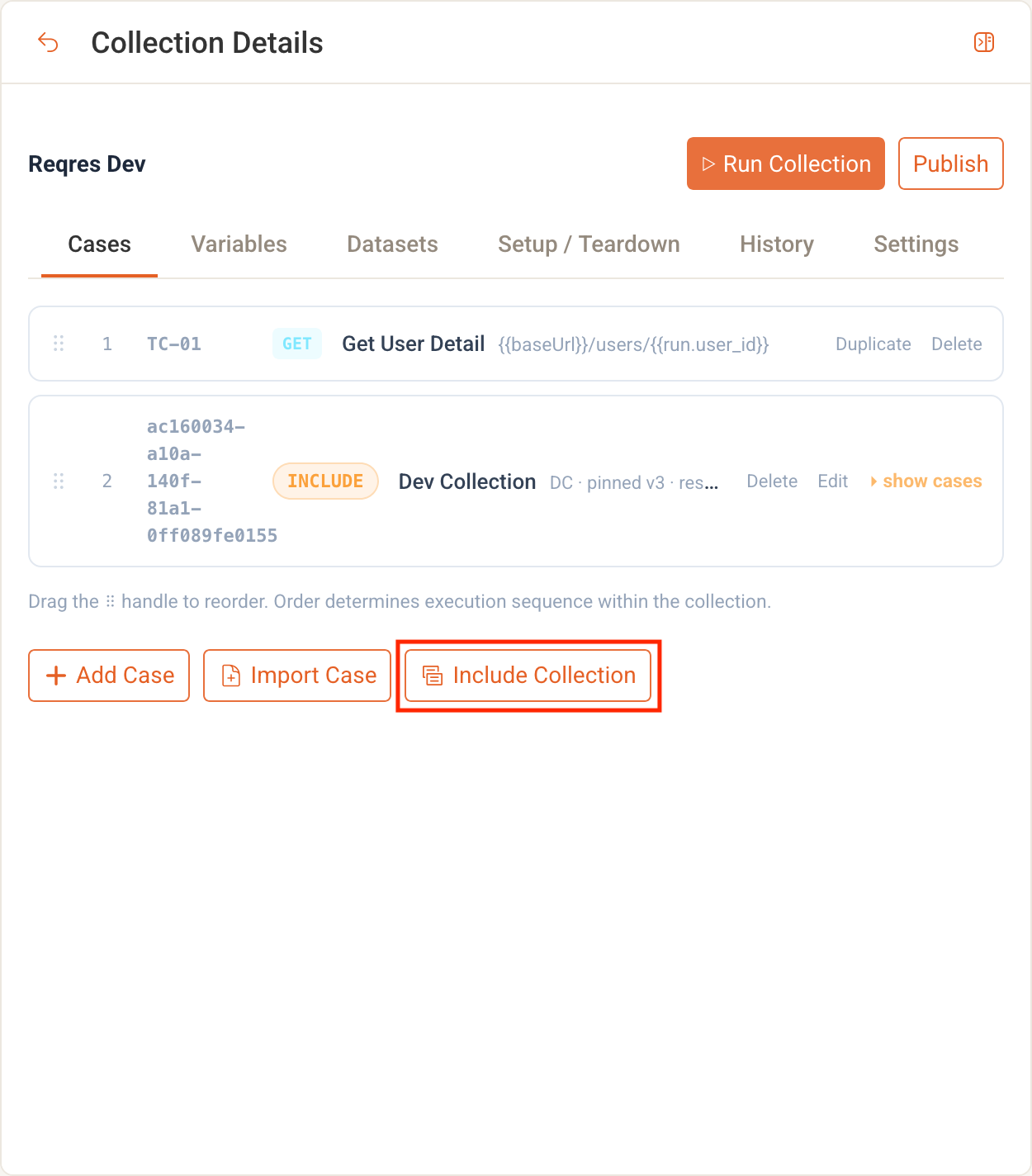
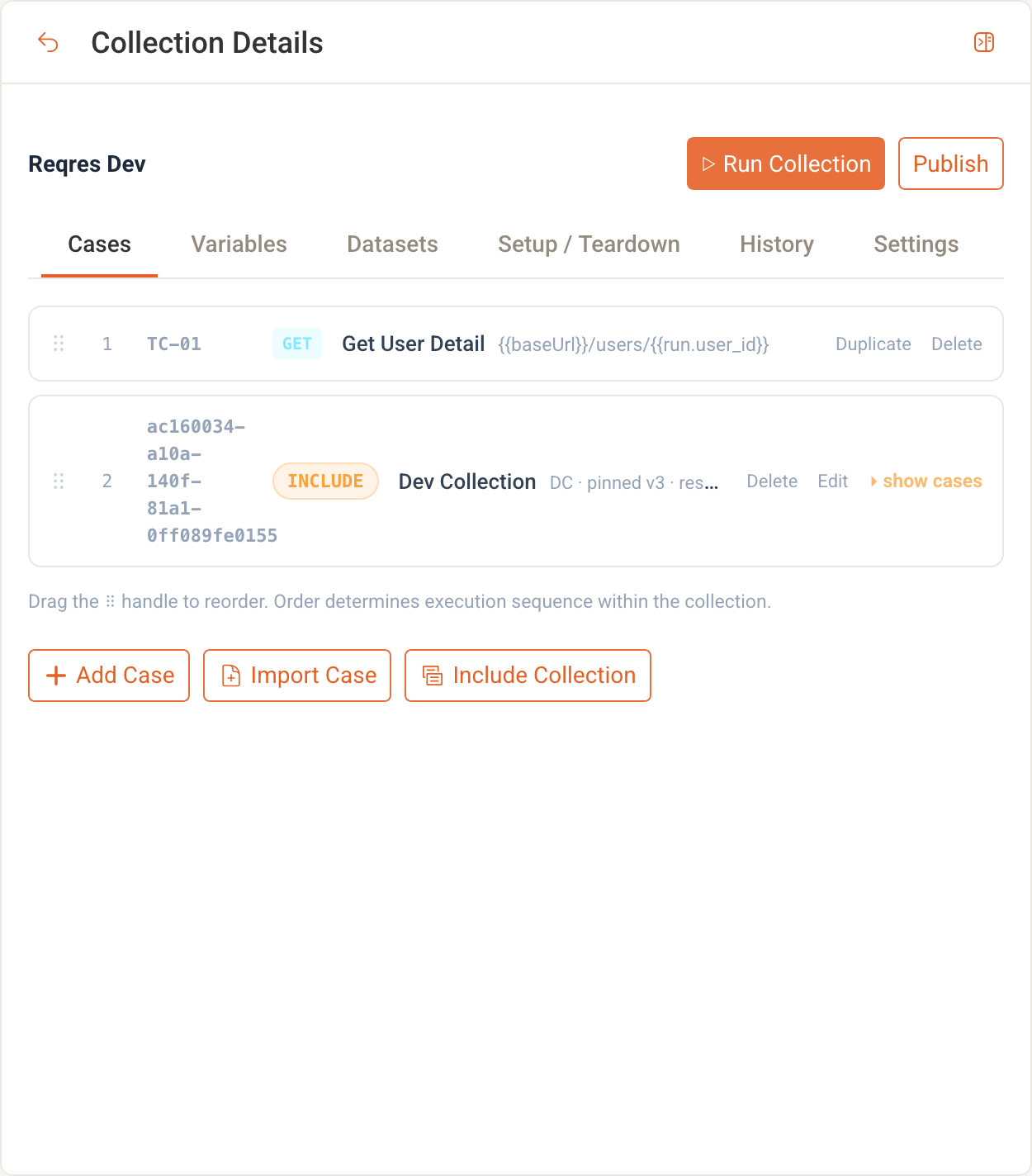
A collection is a named suite of API test cases. The Collection Details page lets users view the details of an API test collection on the AGIS Catalyst platform.
Open Collection Details
To open the details of a collection:
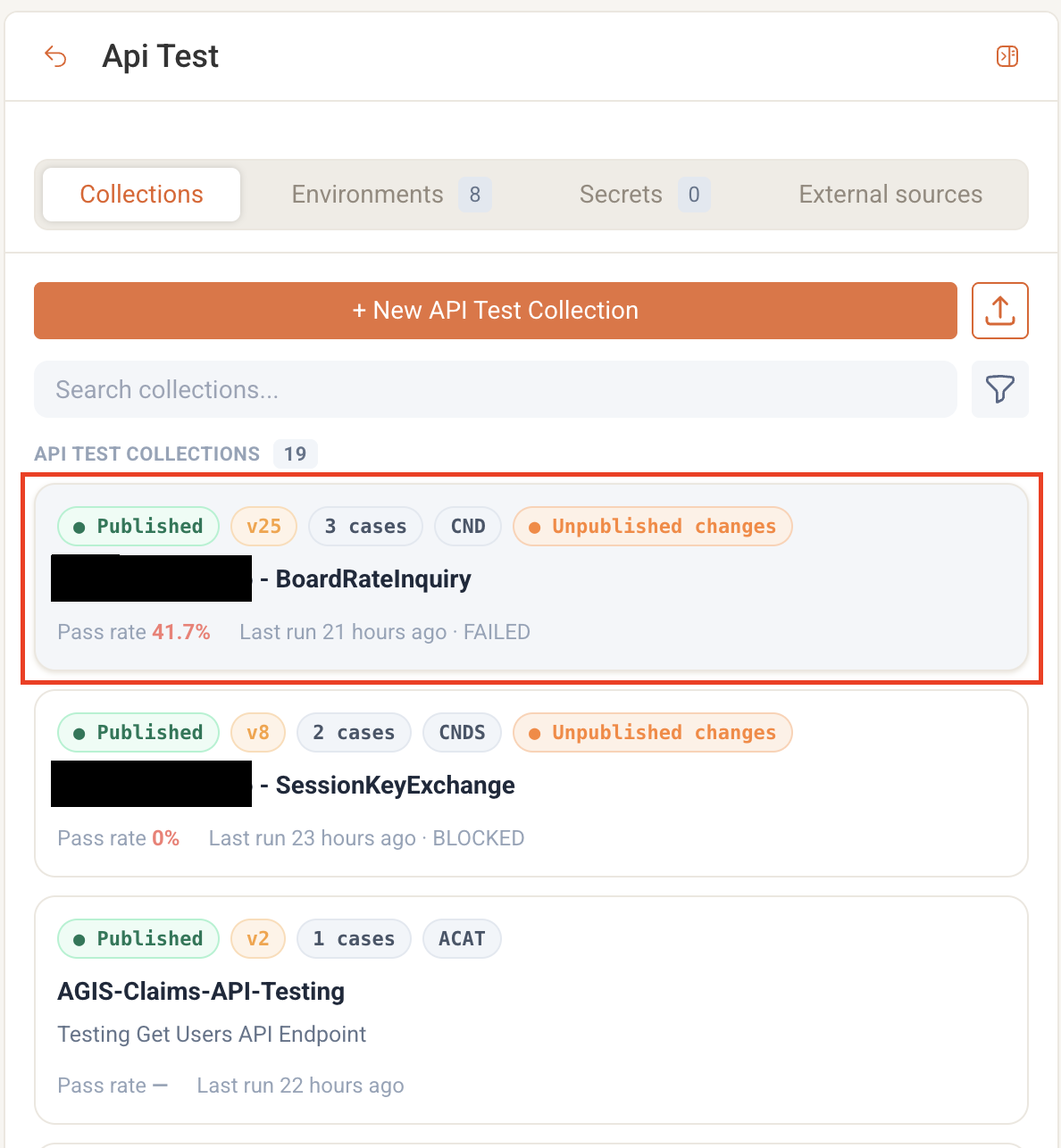
- In the Collections tab, find the collection you want to open. You can use the search bar or the filter to narrow down the list.
- Select the collection card.
Run Collection
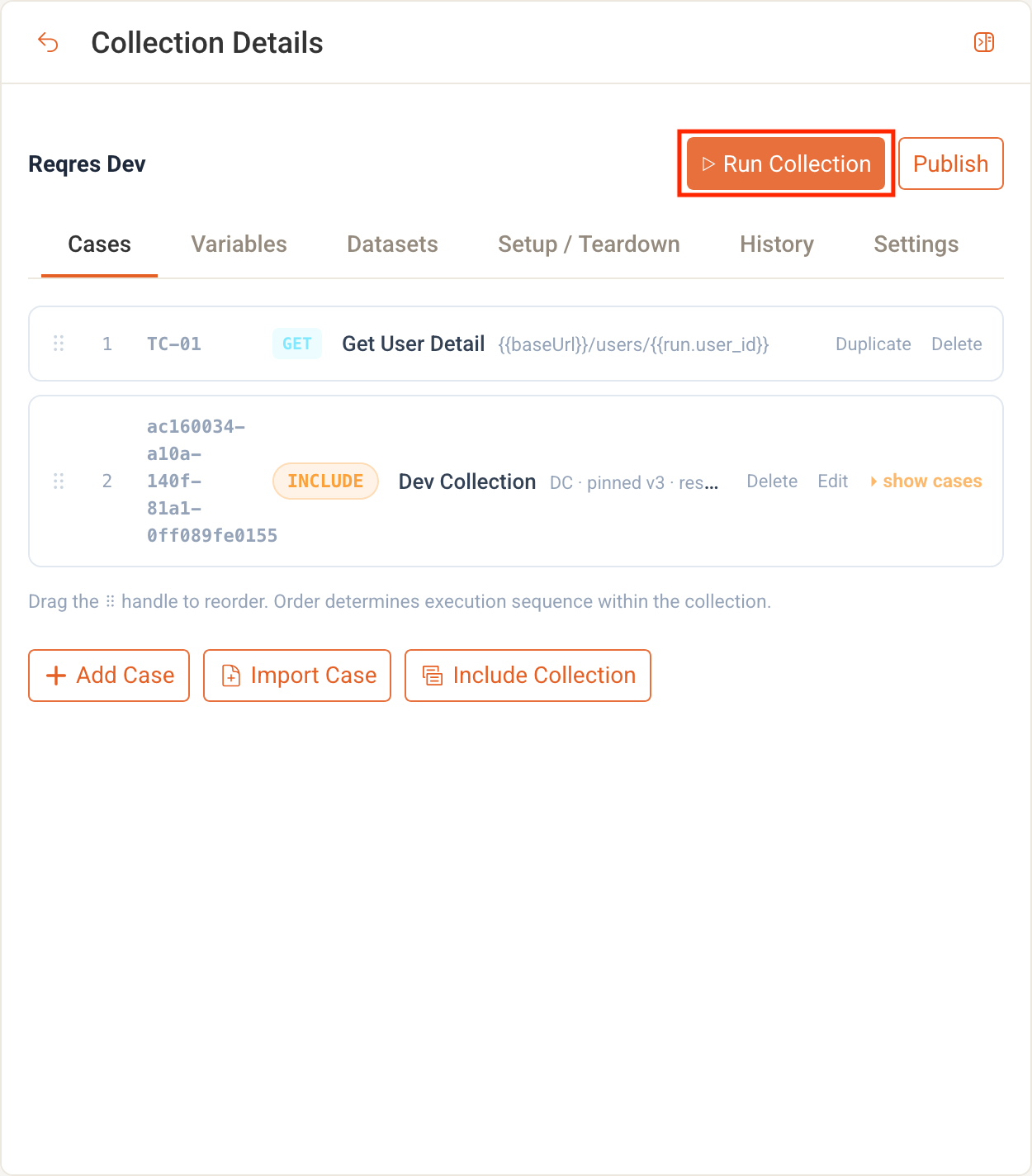
Users can run a collection by clicking on the Run Collection button. A run executes one version of a collection against an environment.
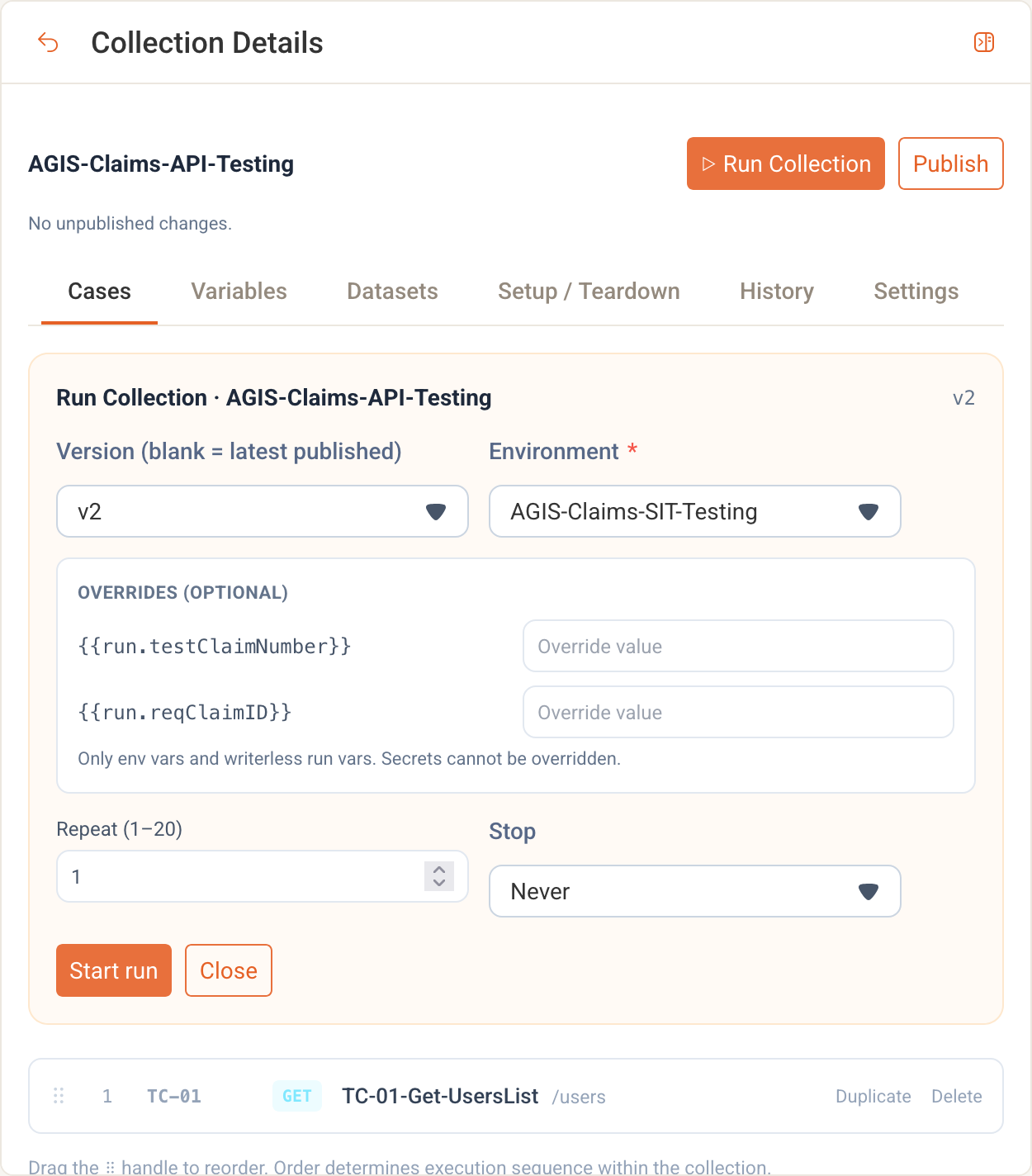
The following fields must be specified before running a collection:
- Version, the version of the collection to run. Only published versions can be run, so the collection must have been published at least once.
- Environment, the environment against which the collection is run. Either the collection's default environment or a custom enviromnent can be selected.
- Repeat, the number of times the collection should be run, within an inclusive range of 1 to 20.
- Stop, the condition under repeated runs should be stopped.
Start Run can then be clicked to run the collection, or Close to cancel the run.
Publish
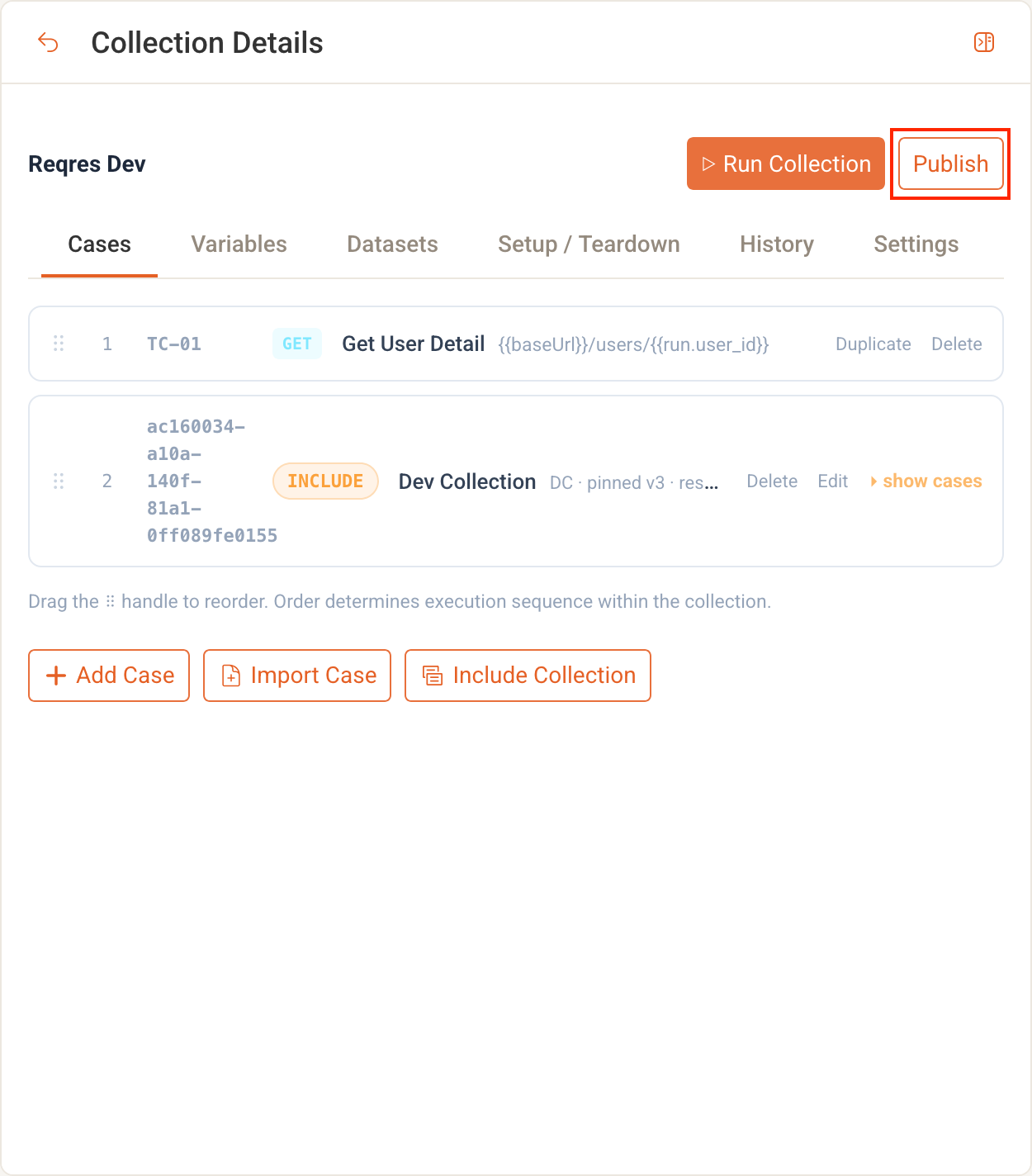
Users can publish a collection by clicking on the Publish button found in the top-right corner. The collection must contain at least one case, either by adding a new case or by including another collection.
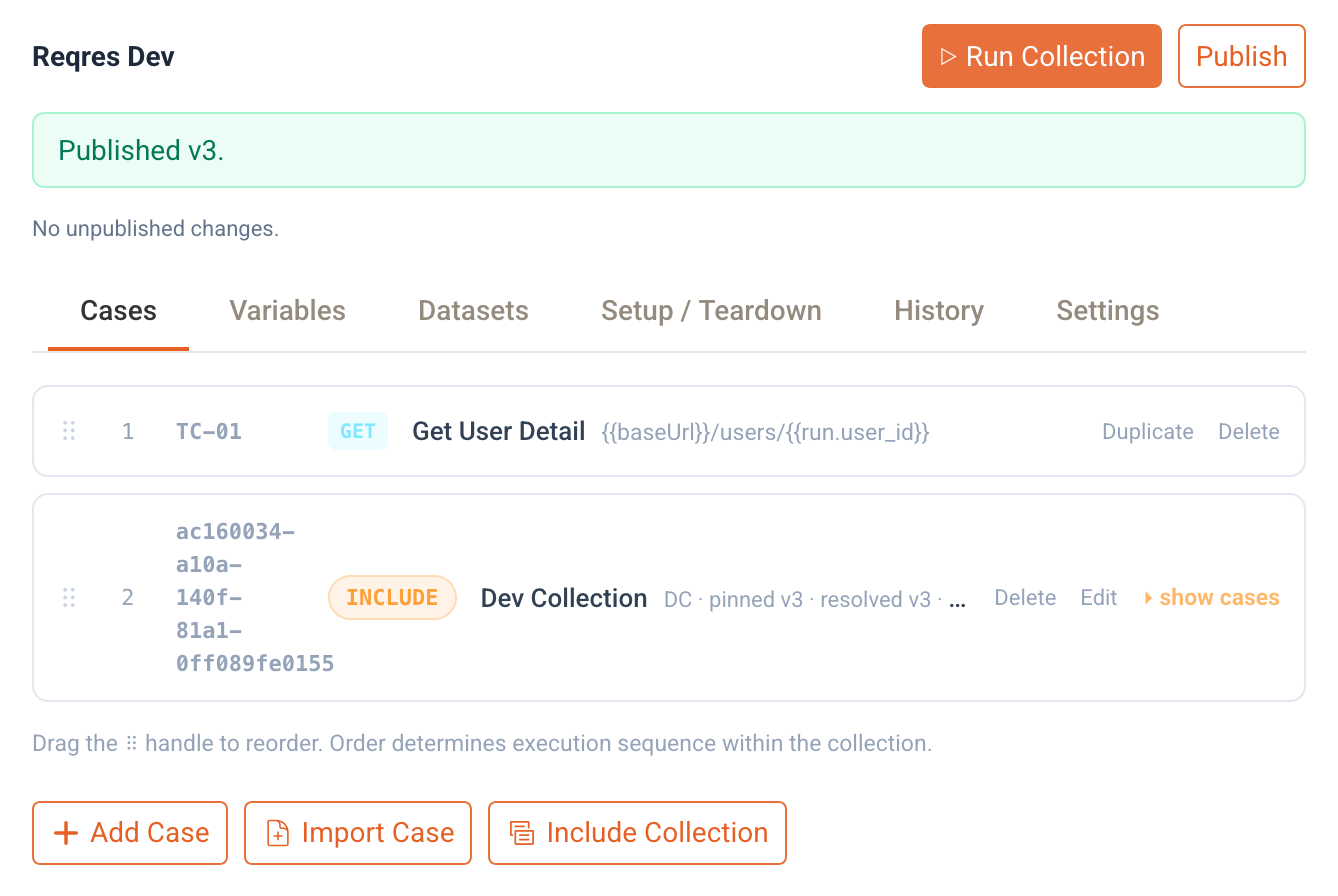
Publishing a previously published collection creates a new version.
This is only possible if the current version has been changed since it was published.
Versions are numbered sequentially (v1, v2, v3, ...).
Add Case
Adding a new case can be done by clicking on the + Add Case button. Allows the addition of a new case to the selected collection.
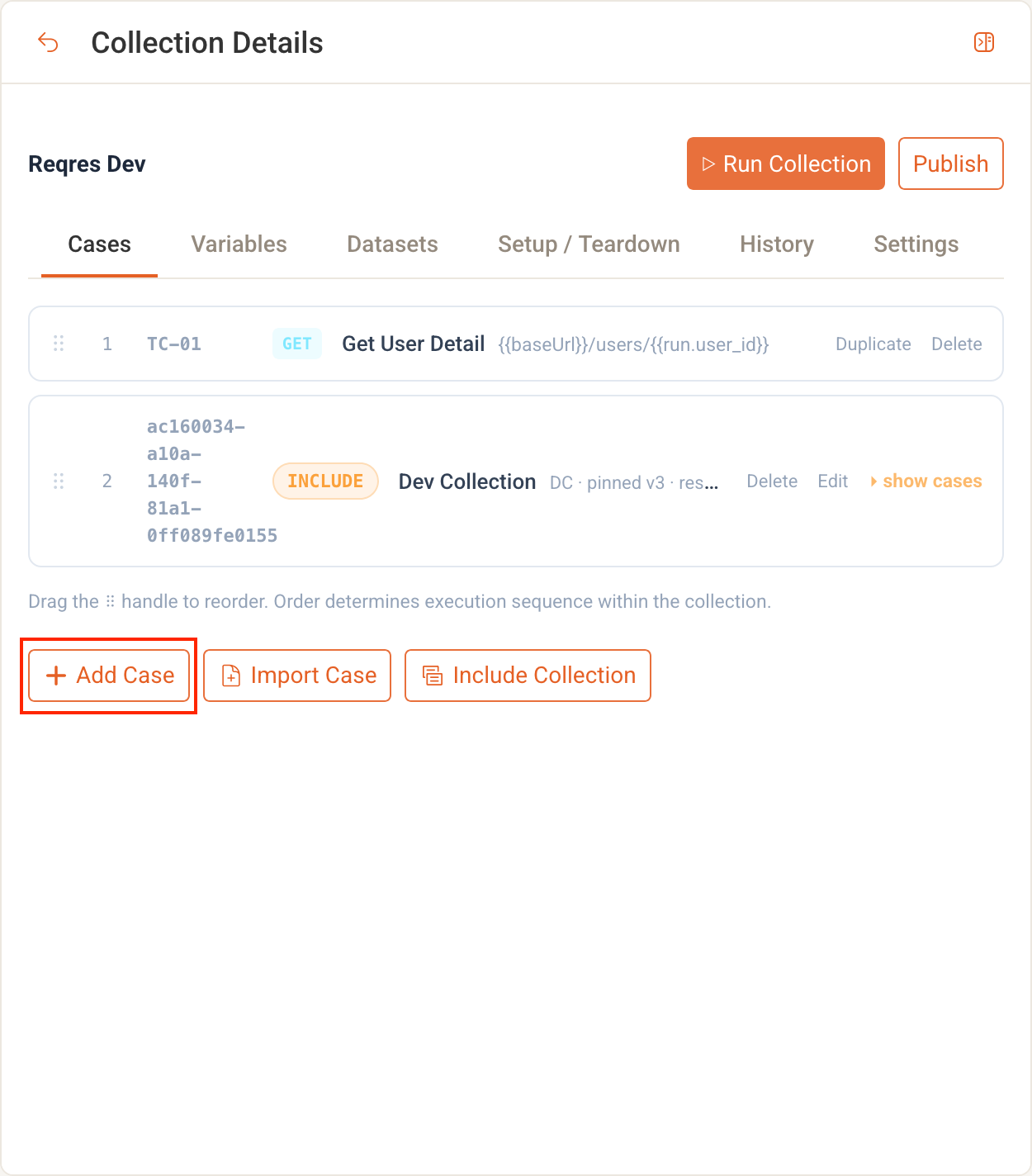
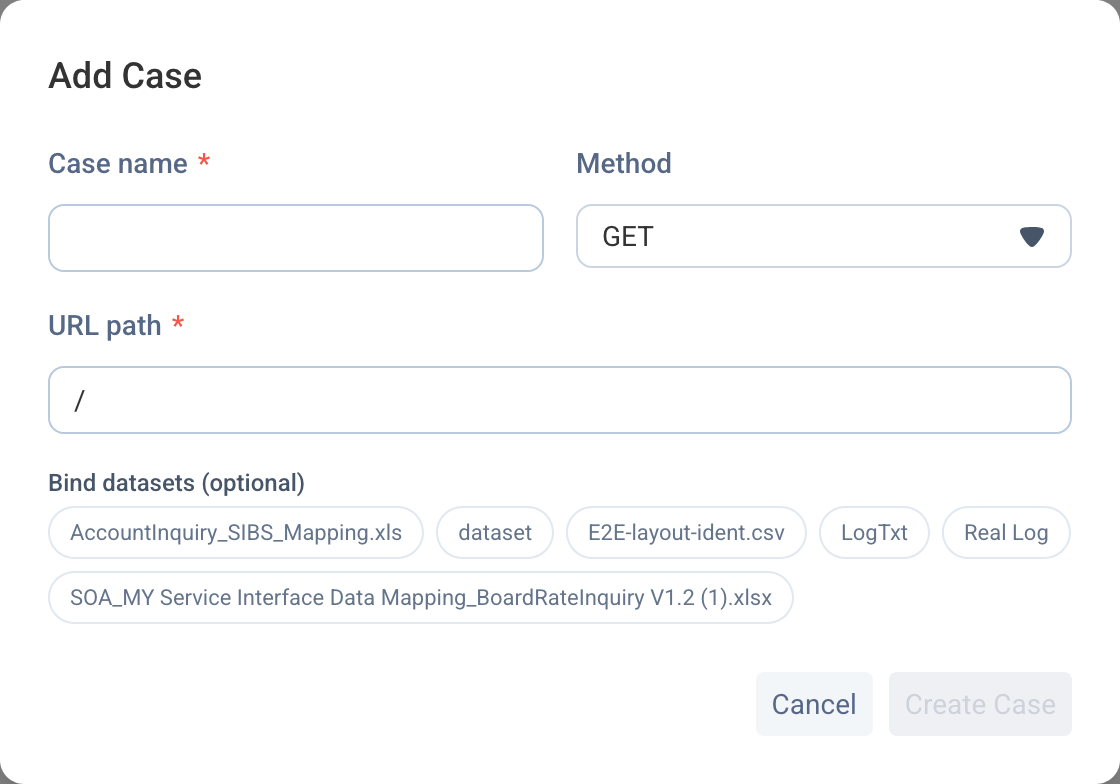
The following fields are required:
- Case Name, a descriptive name identifying the case.
- Method, the HTTP method of the request:
GET,POST,PUT,PATCH, orDELETE. - URL Path, the path of the endpoint under test, relative to the base URL of the selected environment.
Starts with a
/, example/users.

If the collection contains dataset(s), then users can bind the selected dataset(s) to the case.
Import Case
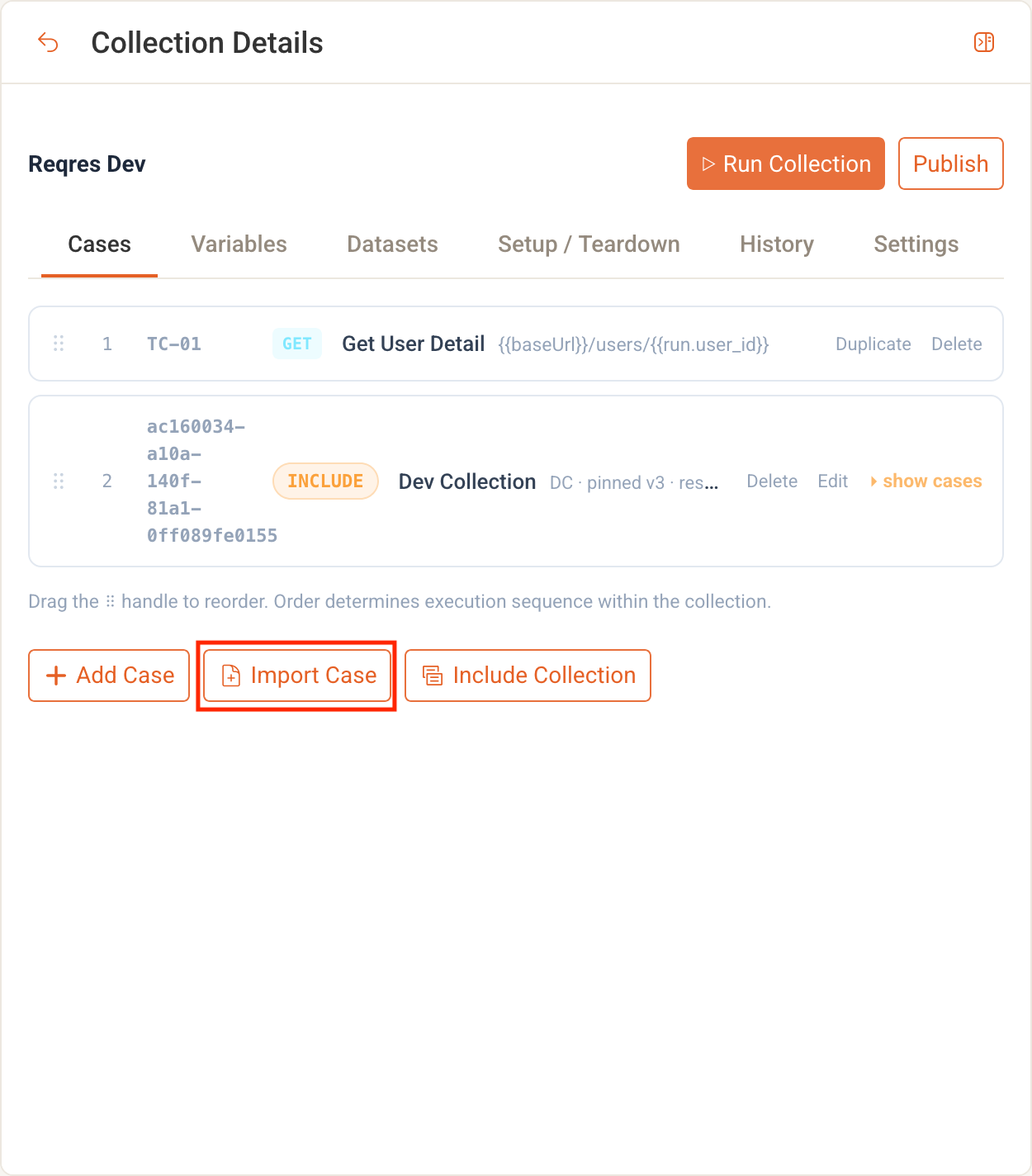
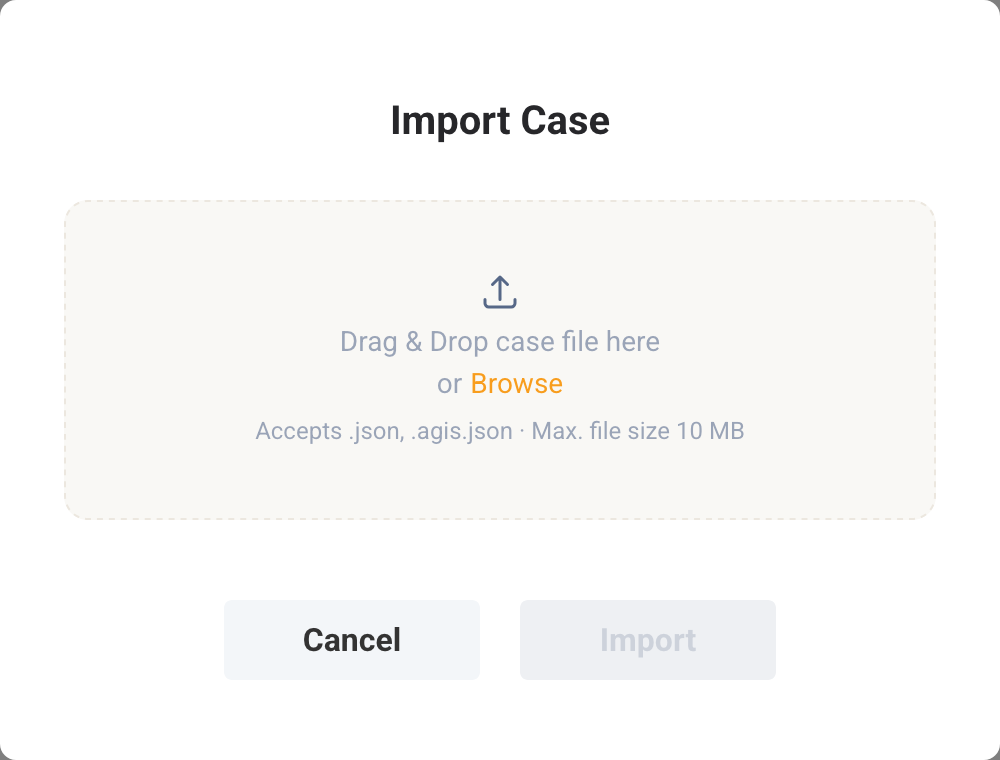
API test cases that have been previously exported can be imported into another collection.
.json and .agis.json formatted files are accepted, with a maximum filesize of 10MB.
Include Collection
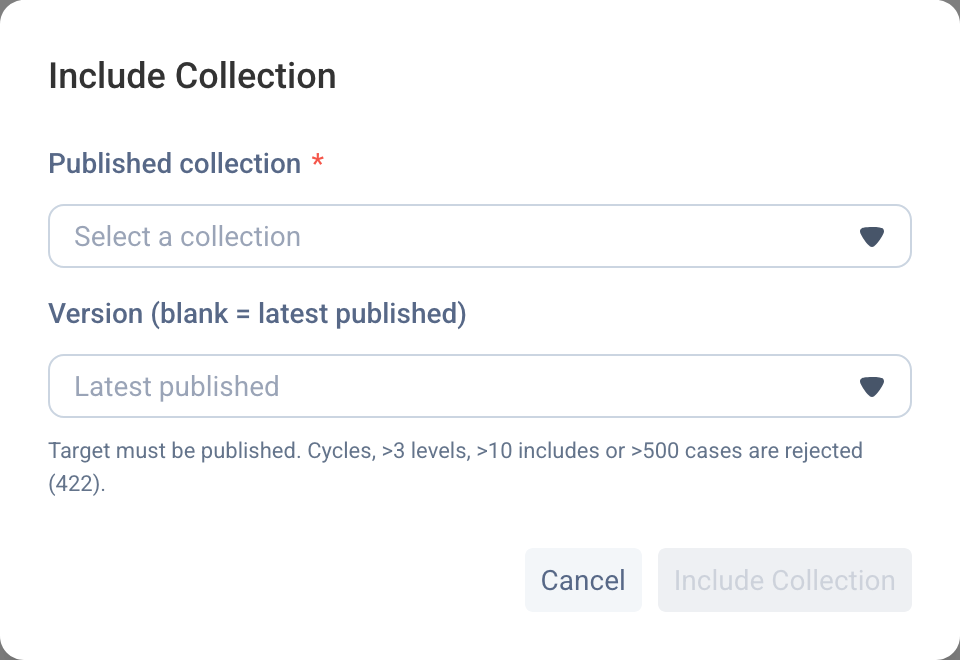
Include Collection includes the API test cases of another into the current collection. The included cases are also run whenever the current collection is run. The collection to be included must have been published. A previous version of the included collection may be selected. If no version is specified, the latest published version is used.